Studio Content Setup
Build a sharper studio workflow from frame to file.
Create a clean production corner for product shoots, creator reels, desk reviews, livestreams, and low-light capture with camera gear, lighting, supports, filters, storage, and creator accessories selected around repeatable visual quality.
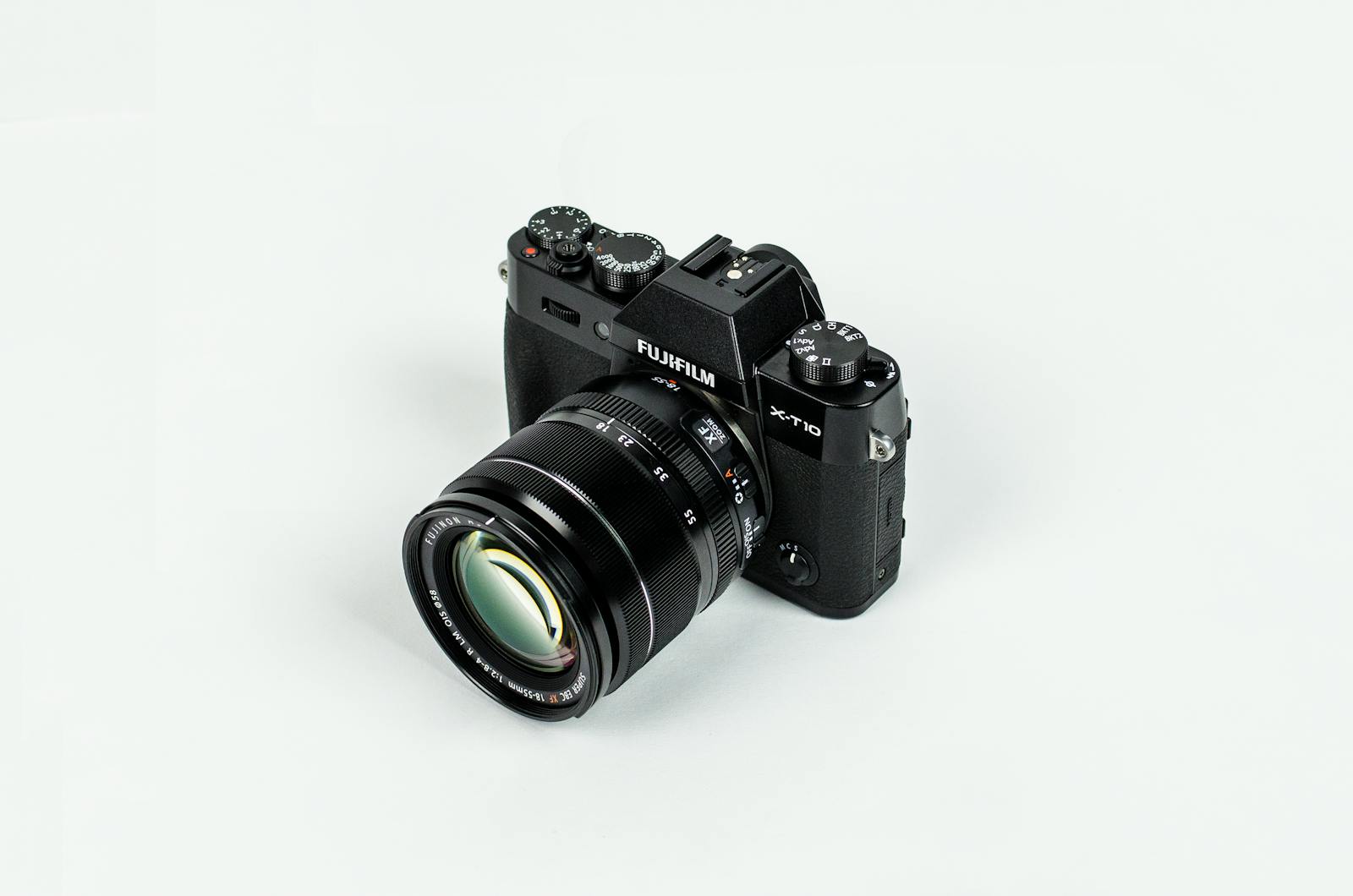
Three-zone setup
Separate the studio by what each shot needs to control.
A compact studio works best when camera placement, light shape, and file movement each have a defined role. Lensora gear is organized to keep the scene intentional without slowing down the creator.
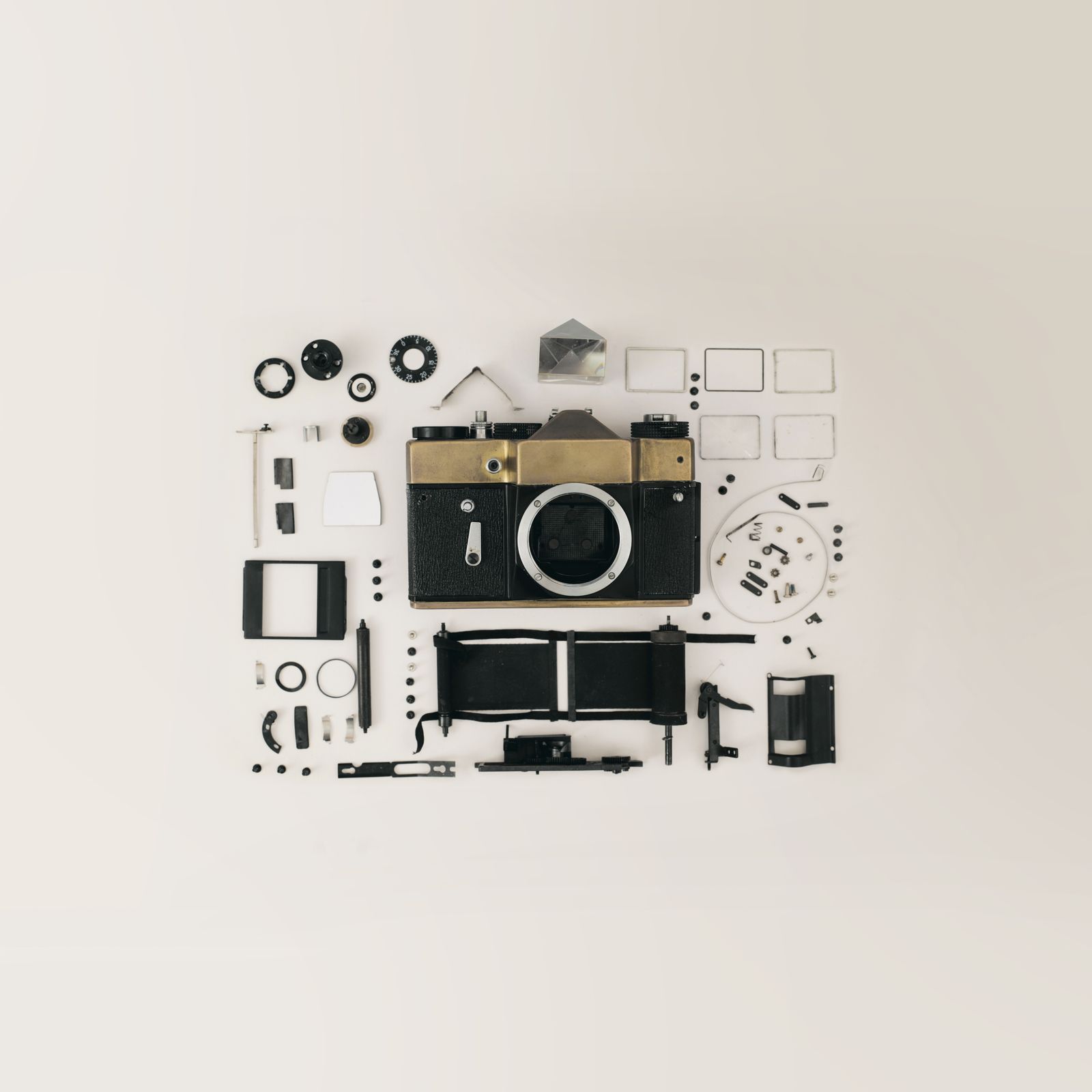
Camera-first framing station.
Anchor the shot with a digital camera or vlog camera, stable support, and a clear monitor path so framing stays consistent across product demos, tutorials, and short-form video.
Light shaping zone.
Use lighting and studio gear to control reflection, skin tone, object texture, and background depth without making the setup feel overbuilt.
- Soft key light placement
- Accent and rim-light control
- Low-light creator support
Motion and support zone.
Tripods, stabilizers, mounts, and camera bags keep the studio ready for both fixed setups and quick outdoor capture transitions.
- Tripod and desktop support
- Stabilized movement passes
- Protected gear staging
Frame-to-file system
Keep every creative step visible.
A studio setup should feel calm while the production moves quickly. Build a workflow where each piece of camera gear has a clear reason to be on the desk.
Frame the scene
Lock perspective with a camera, tripod, and clean composition path before lighting decisions begin.
Shape the light
Use soft output, directional control, and lens filters to reduce harsh glare and preserve detail.
Capture movement
Add stabilizers or action cameras when the shot needs motion, overhead angles, or hands-free perspective.
Move the media
Keep memory cards, storage, and protective accessories ready so the edit can start without friction.
Equipment logic
Choose gear by the shot, not by the shelf.
Lensora’s studio content setup approach focuses on how the frame behaves: sharpness, movement, light balance, file speed, and how safely the gear travels when the shoot leaves the room.
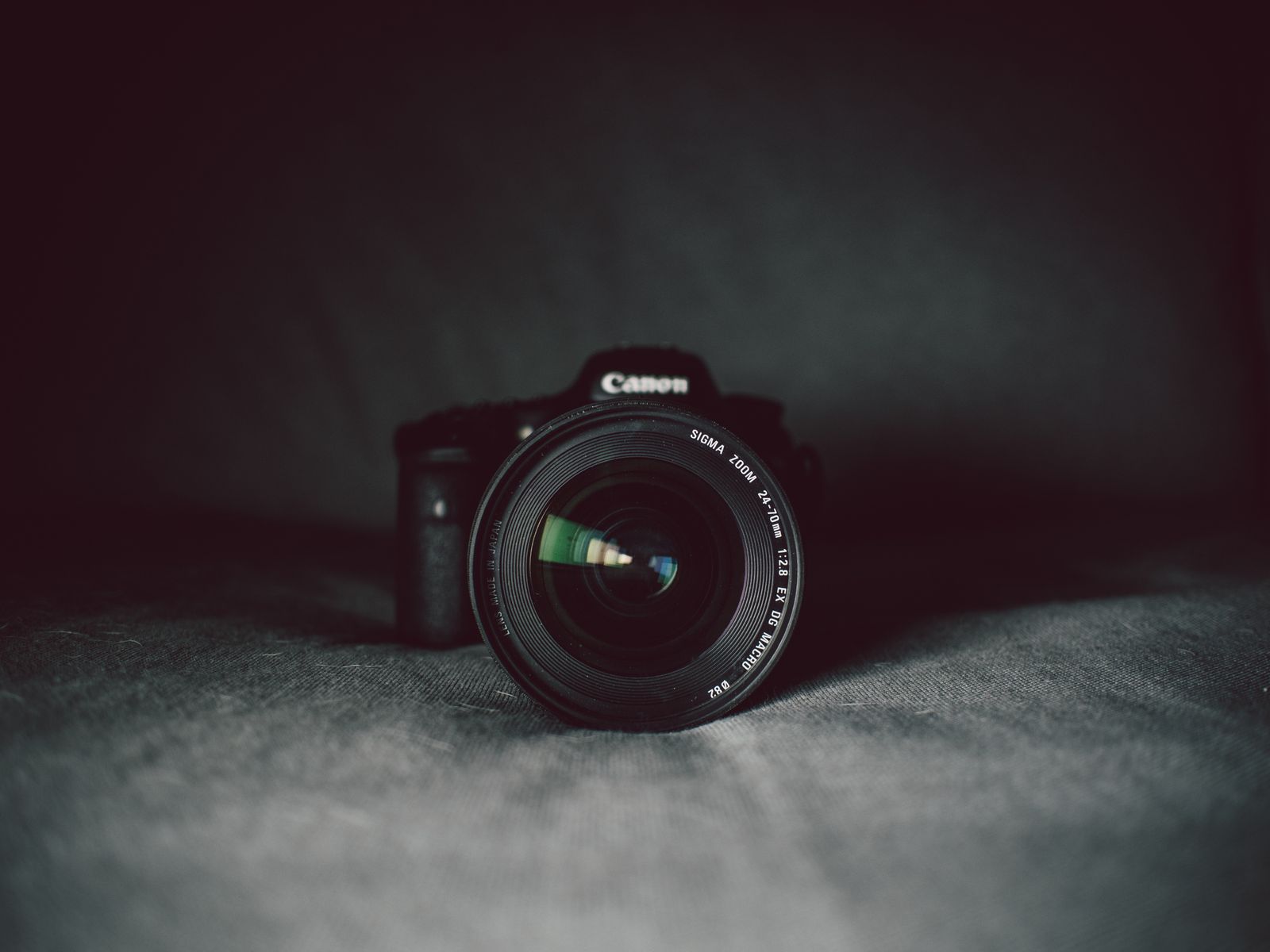
For talking-head and tutorial setups.
Prioritize a vlog camera or digital camera, stable tripod, continuous light, clean memory card workflow, and a small bag for keeping the kit ready between shoots.
For product detail and tabletop scenes.
Use lens filters to control reflections, a steady support system for repeatable angles, and soft lighting that preserves edge definition on small objects and camera accessories.
Studio files should move as cleanly as the camera.
Stage cards, batteries, lens cloths, filters, and cables in one visible area so capture, transfer, and reset stay smooth during fast production days.
Pre-shoot check
Before the red light turns on.
Small setup decisions create a cleaner edit. Use this Lensora studio checklist to make each capture session feel intentional, organized, and repeatable.
Balance the camera height.
Set the camera at the perspective your viewer should feel, then adjust tripod height before moving lights.
Control reflections.
Use filters, soft light direction, and distance from glossy surfaces to keep product detail readable.
Protect the media path.
Keep memory cards labeled, stored, and ready so each take moves cleanly into the editing workflow.
Pack for quick resets.
Use a camera bag or organizer to keep batteries, mounts, filters, and accessories visible between scenes.
Studio questions
A calmer setup starts with fewer unknowns.
Use these quick notes when deciding how to assemble a Lensora studio content setup for cameras, lights, supports, storage, and creator accessories.
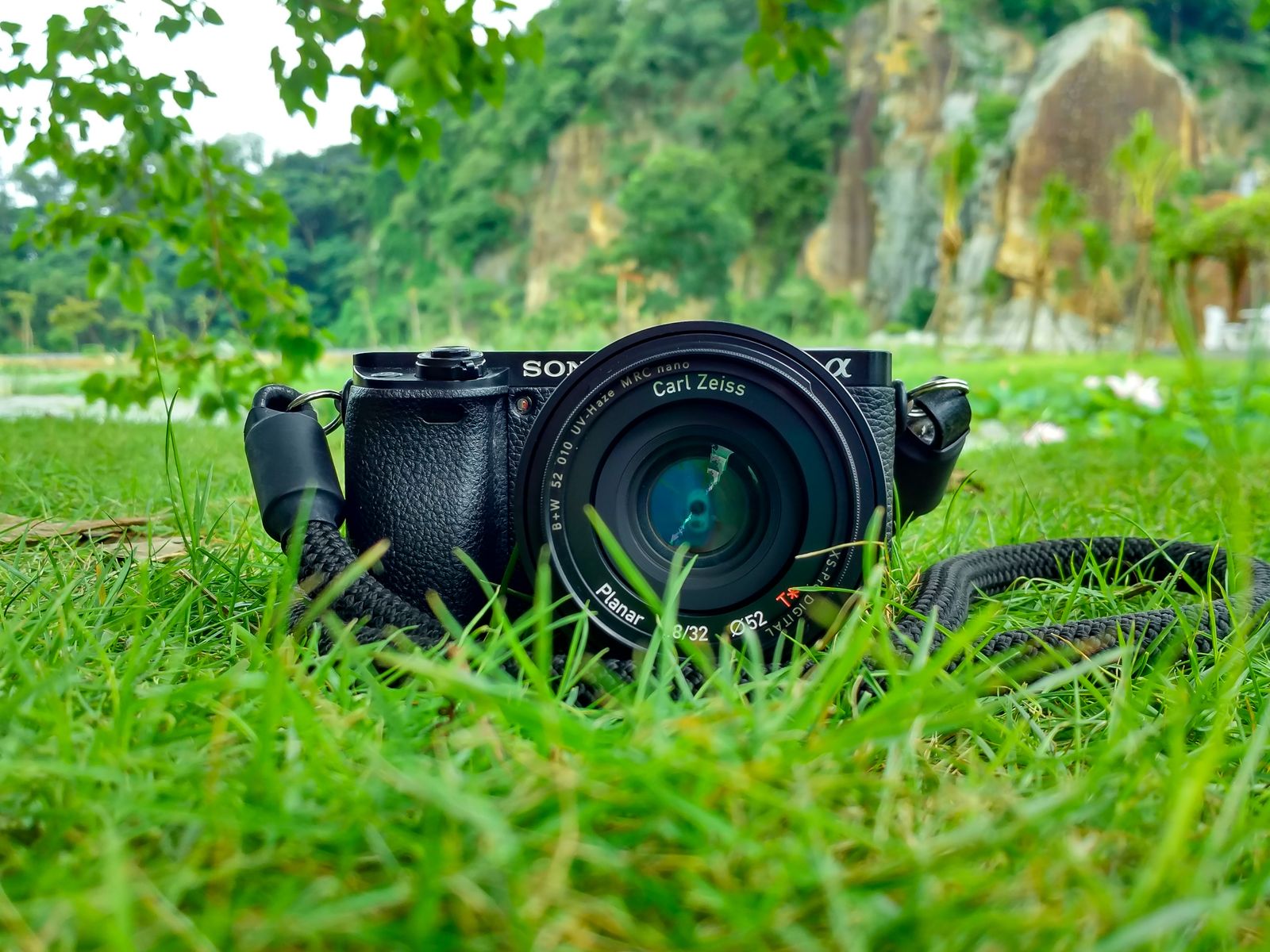
What should I prioritize for a compact studio setup?
Start with the core capture chain: camera, stable support, lighting, storage, and a few practical accessories. Add filters or stabilizers once the main shot style is clear.
Is a studio setup only for indoor content?
No. A good studio kit can also support outdoor capture. Action cameras, camera bags, stabilizers, and portable accessories help the same workflow travel beyond the desk.
How do lens filters fit into studio content?
Filters can help manage reflections, contrast, and light behavior, especially when shooting glossy products, glass, screens, or bright studio surfaces.
How long does Lensora shipping take?
Lensora orders ship in 3–5 business days. For product questions or setup support, contact info@lensora.lol.
Design your next studio capture path with Lensora.
Explore camera gear, lighting, tripods, stabilizers, filters, storage, camera bags, and creator accessories built for clean production routines and action-ready visual equipment.