Storage & Protection
Lensora Creator Setup
Storage & Protection
Protect the shot before it becomes the edit. Lensora storage and protection tools help creators carry camera bodies, lenses, filters, lights, cards, batteries, and accessories with cleaner organization from field capture to file backup.
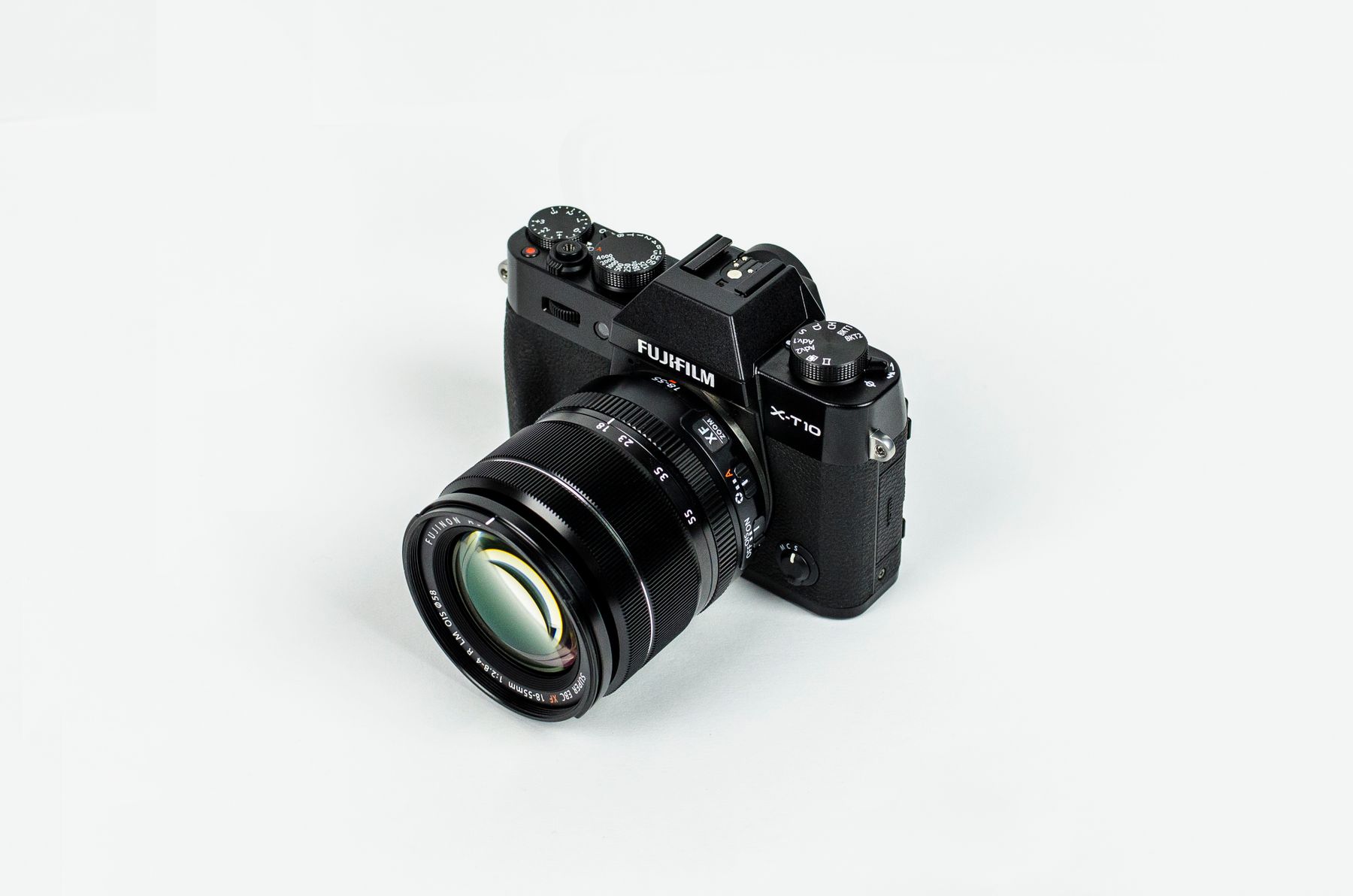
Protective capture system
Keep every lens, card, and frame accounted for.
A reliable storage setup is not just a bag. It is a repeatable workflow for packing, shooting, swapping media, and returning home with the kit intact.
Protection layers
A cleaner way to move camera gear through real shooting days.
Storage and protection should support the pace of creation. The right Lensora setup keeps the essentials separated, visible, padded, and ready when the light or action changes.
Camera carry
Use structured camera bags and inserts to separate bodies, lenses, filters, lighting, and compact supports without loose contact.
Lens safety
Protect lens glass with caps, filter storage, padded sections, and clean access points for quick swaps between scenes.
Media control
Keep memory cards organized by status so blank, active, and transferred cards do not get mixed during production.
Power order
Give batteries, charging cables, adapters, and small creator accessories a clear home inside the kit.
Field backup
Build a repeatable end-of-shoot routine for card storage, gear checks, and protected transport back to your workspace.
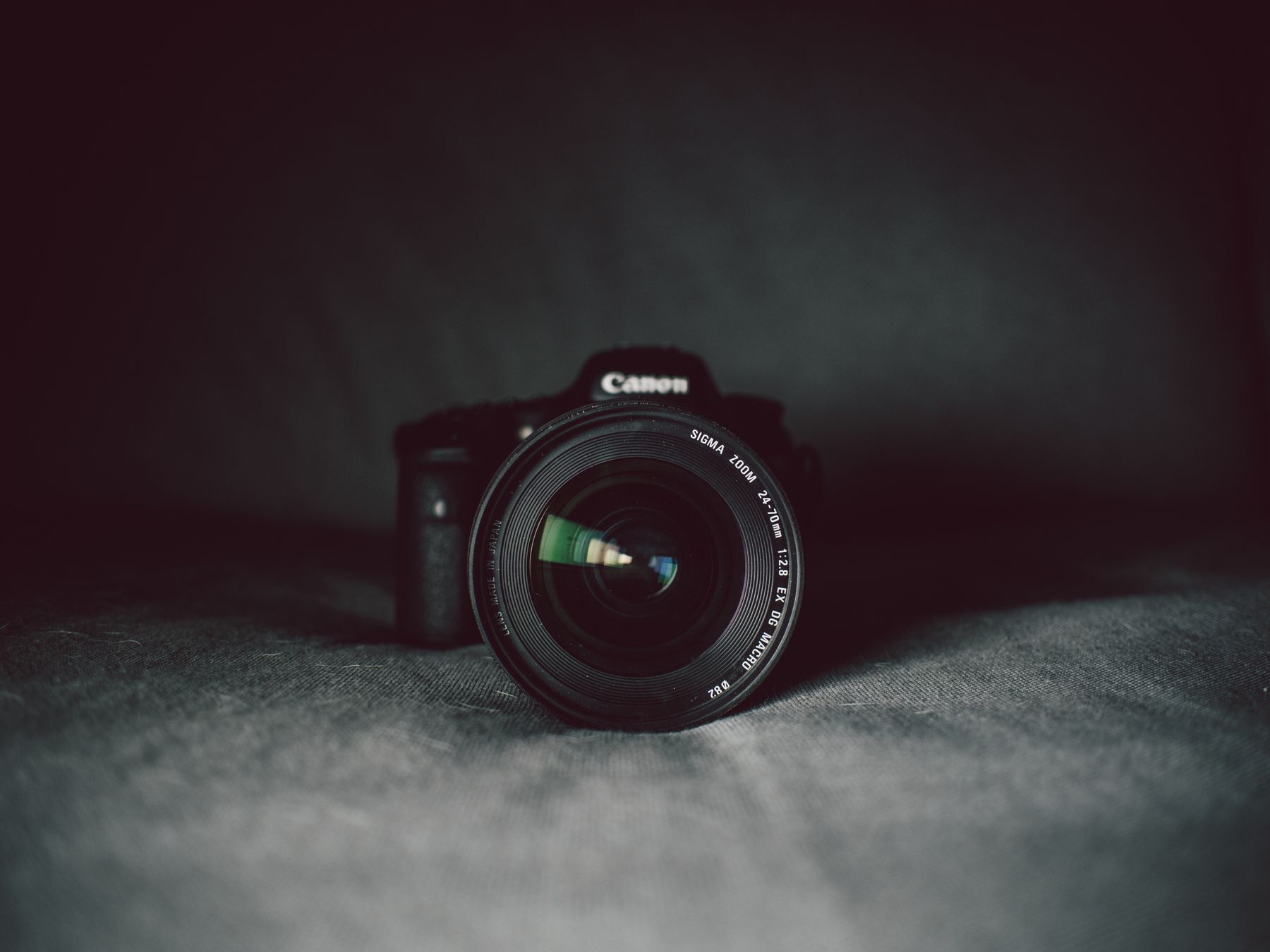
Protection starts before the gear enters the bag.
A strong setup separates the fragile, the frequently used, and the easy-to-lose. That means smoother lens swaps, fewer missing accessories, and less friction when the next shot appears.
Separate impact zones
Keep camera bodies, lenses, filters, and lighting from shifting into one another during movement.Make small gear visible
Give memory cards, batteries, cables, adapters, and lens cloths a defined location inside the workflow.Protect the footage path
Use a simple card routine from camera to case to transfer so captured files stay easy to identify.Archive protocol
From capture to card case to clean transfer.
Good storage is a habit. Build a consistent flow and your camera gear becomes faster to pack, safer to carry, and easier to reset before the next shoot.
Pack by shooting sequence
Place the camera, lens filters, light, stabilizer, and backup cards in the order you expect to use them.
Separate clean and active media
Keep blank memory cards apart from active cards, then move full cards into a protected slot immediately after swapping.
Reset before moving location
Close caps, return filters to cases, secure lights and grips, and check small accessories before leaving the scene.
Transfer with a clear marker
After files are transferred, return cards to a marked position so the next shoot starts with a clean media routine.
Choose by kit type
Storage built around the way you actually shoot.
A creator bag for short-form video should feel different from a travel camera case or studio accessory organizer. Start with your movement style, then choose the protection layer that fits.
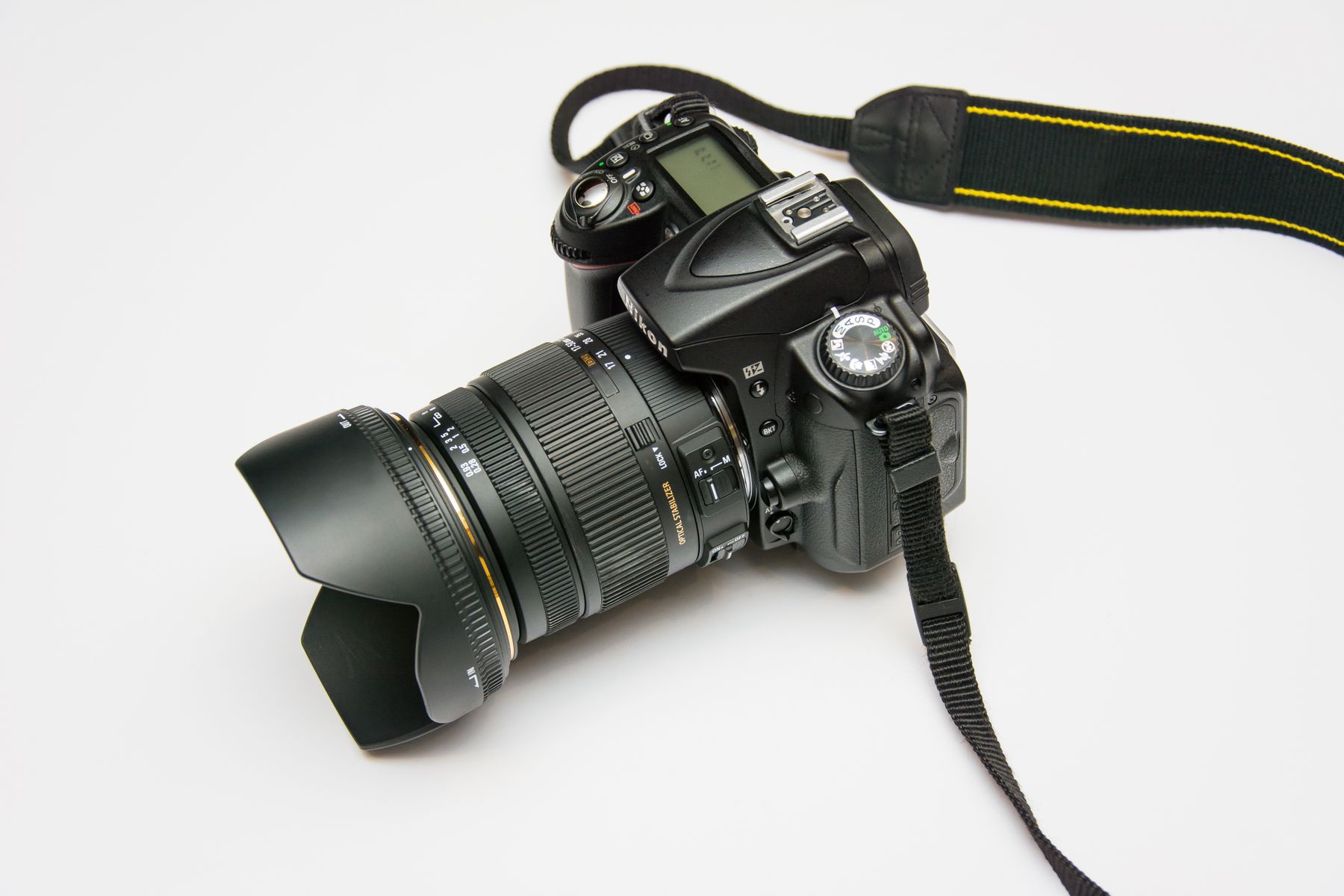
Travel capture
For creators who move between streets, trails, cars, airports, and quick outdoor scenes.
- Padded camera bag
- Filter and lens protection
- Memory card case
Studio desk
For product content, overhead filming, table setups, and controlled indoor workflows.
- Accessory organizer
- Cable and battery layout
- Dedicated card slots
Action kit
For compact cameras, mounts, grips, batteries, and fast storage resets between active takes.
- Small protective case
- Mount and grip storage
- Quick media separation
Lens system
For creators who switch focal lengths, filters, and camera accessories throughout the shoot.
- Padded lens sections
- Filter case workflow
- Cleaning cloth access
Storage notes
Protection questions for everyday creators.
Use these practical notes to keep camera equipment cleaner, safer, and easier to reset after every capture session.
What should every creator keep in a camera bag?
A compact creator bag usually needs a camera body, lens or filter protection, a small support or grip, charged batteries, memory cards, a cleaning cloth, and a protected area for cables or adapters.
How should memory cards be organized during a shoot?
Keep blank and active cards physically separated. After recording, move used cards to a protected section immediately so you do not overwrite or confuse active footage.
Why is padding important for lens filters and lights?
Filters, small lights, and adapters can scratch, dent, or shift when mixed loosely with camera bodies and supports. Dedicated sections reduce contact and make setup faster.
How fast does Lensora ship storage and protection gear?
Lensora shipping time is 3–5 business days. For help choosing storage for your camera setup, contact the team with your gear list and shooting style.
Build a cleaner carry system
Protect the camera, organize the workflow, and keep the next shot ready.
Explore Lensora camera bags, memory cards, lens protection, filters, lighting accessories, tripods, stabilizers, and creator tools designed for cleaner storage and more confident capture days.