Product Help
Get your camera gear dialed in without guesswork.
Find practical help for digital cameras, action cameras, vlog cameras, lens filters, lighting, tripods, stabilizers, camera bags, memory cards, and creator accessories. Start with the symptom, match the gear category, and move toward a cleaner capture workflow.
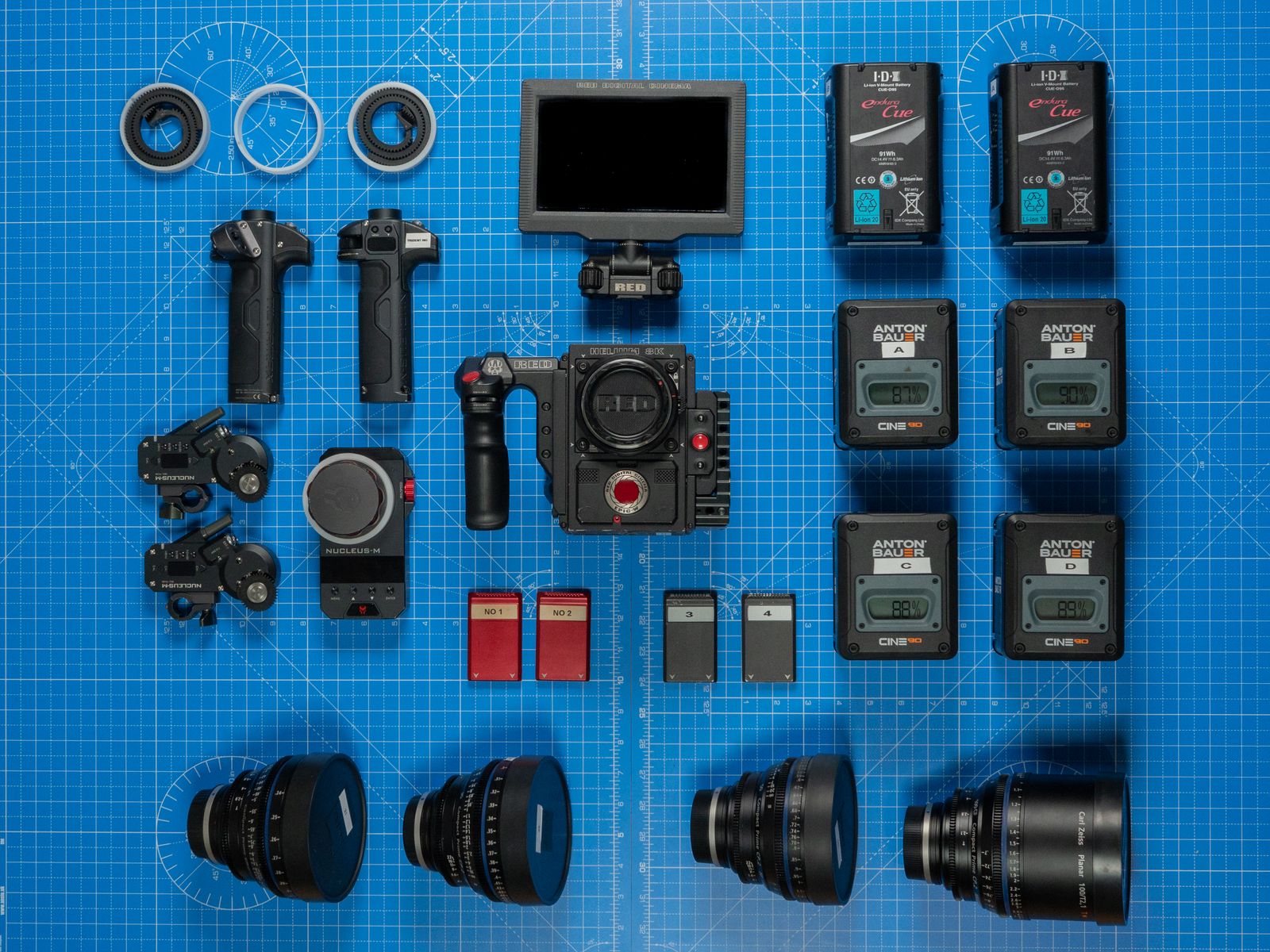
Most capture issues come from one of five places: light, stability, storage, power, or lens surface.
Use this page as a calm first pass before you contact Lensora.Start here
Choose the help route that matches the issue.
Product help works best when the path is simple. Use the cards below to narrow the issue before you adjust settings, swap accessories, or pack gear for a shoot.
Setup and first use
Confirm battery status, memory card format, mounting point, lens surface, and basic camera menu settings before your first capture session.
Image quality checks
Review focus, shutter speed, light direction, filter fit, lens cleanliness, and whether the camera is being stabilized properly.
Video and vlog workflow
Stabilize the frame, keep audio and lighting paths clear, check media speed, and avoid overheating from blocked ventilation.
Lighting behavior
Balance output, distance, diffusion, angle, and reflection control when scenes feel flat, harsh, noisy, or inconsistent.
Tripods and stabilizers
Check lock points, payload balance, quick-release plates, leg spread, grip pressure, and surface level before filming motion.
Storage and protection
Keep memory cards labeled, camera bags organized, lens filters protected, and accessories separated from dust or pressure points.
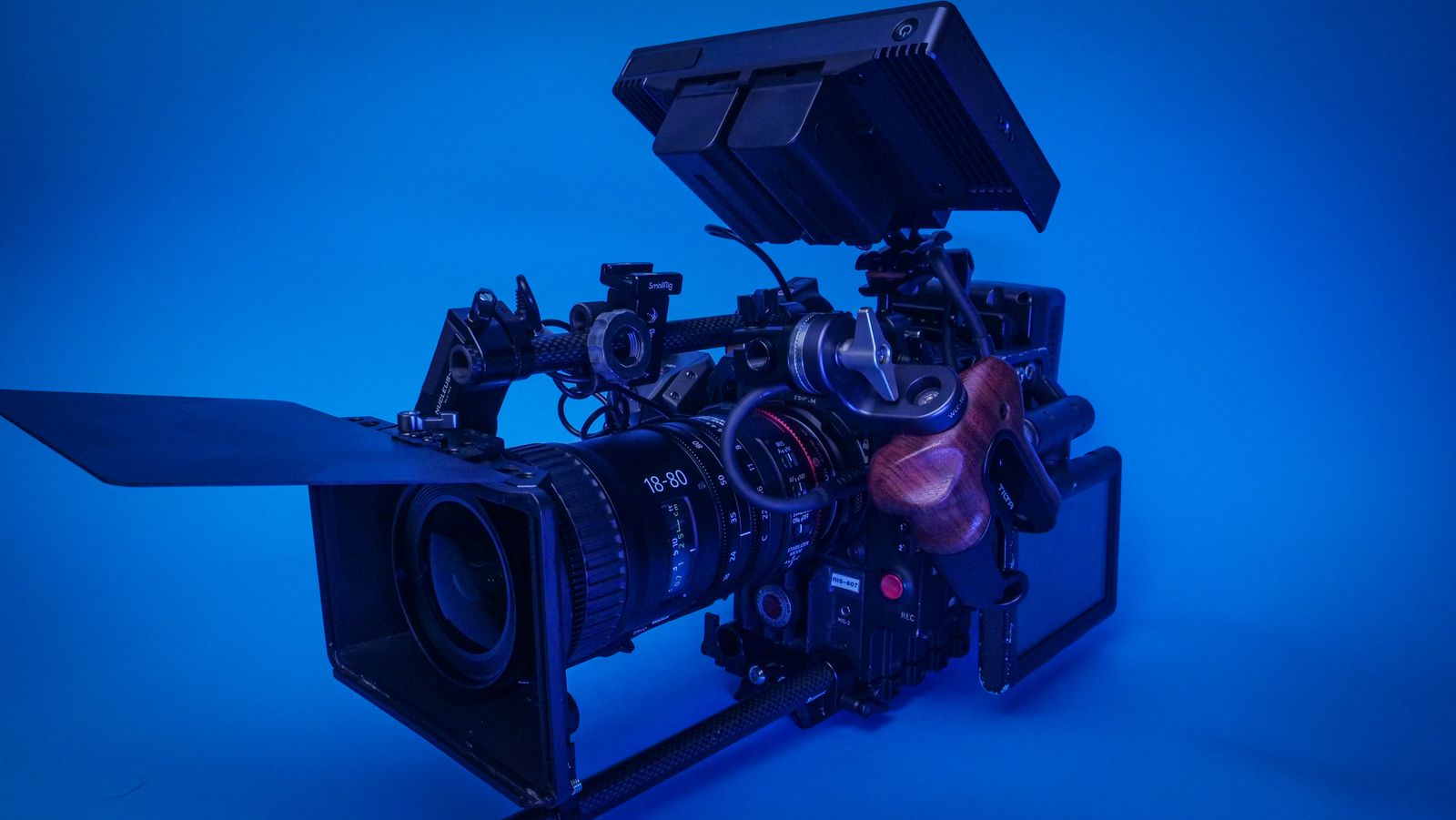
Quick diagnostic
Test the capture chain before changing the entire setup.
When a product does not behave as expected, isolate one variable at a time. Start with clean power, confirmed storage, a stable mount, a clean lens or filter, and controlled lighting.
Power reset
Turn the device off, remove and reseat the battery, then restart with a known charged battery.
Media check
Use a compatible memory card, confirm it is seated fully, and format only after files are safely backed up.
Mount stability
Check plates, clamps, tripod locks, stabilizer balance, and surface level before judging footage quality.
Optic surface
Inspect the lens, filter, and sensor-facing accessories for dust, fingerprints, flare, or uneven fit.
Help by gear type
Each product category has a different first check.
Use category-specific thinking to solve faster. A camera issue may be storage or exposure. A stabilizer issue may be balance. A filter issue may be fit, angle, or cleaning.
Digital and vlog cameras
Confirm power, media compatibility, focus mode, exposure behavior, and heat ventilation during longer takes.
Action cameras
Check mount angle, battery door seal, stabilization setting, card speed, and lens cover cleanliness.
Lens filters
Inspect thread fit, glass surface, reflection angle, filter stacking, and whether the filter matches the lens size.
Lighting and studio gear
Review power, brightness level, placement, diffusion, reflection control, and color temperature consistency.
Bags and storage
Separate lenses, cards, filters, and batteries so pressure, dust, moisture, and cable tangles stay under control.
Care guide
Small maintenance habits protect the frame.
Product help is not only troubleshooting. The best support routine keeps lenses clean, cards organized, lights protected, and camera gear ready before the next shoot.
How should I clean lens filters and camera optics?
Use a clean microfiber cloth and gentle lens-safe cleaning habits. Avoid rough fabric, direct pressure at the edge of the filter, and touching glass with bare fingers.
What should I check when footage looks shaky?
Confirm the tripod or stabilizer is locked, balanced, and rated for the camera load. Also check shutter speed, stabilization settings, grip pressure, and walking motion.
Why does my image look soft or hazy?
Inspect lens glass and filters, check focus mode, confirm the subject distance, reduce flare from strong light, and test without stacked filters to isolate the cause.
How do I organize memory cards for creator work?
Label cards, keep used and empty cards separate, back up files before formatting, and store cards in a protective case away from loose metal accessories.
When should I contact Lensora?
Contact Lensora when the issue remains after basic power, media, setup, and cleaning checks. Include your product type, order context, and a clear description of what you tested.
Need a human read on your setup?
Send Lensora the product type, what you are trying to capture, and what you have already checked. We will help you narrow the path for cameras, filters, lighting, stabilizers, storage, and creator accessories.